+91 95752 60218

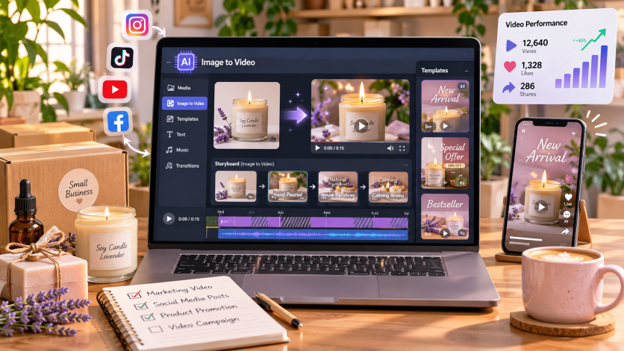
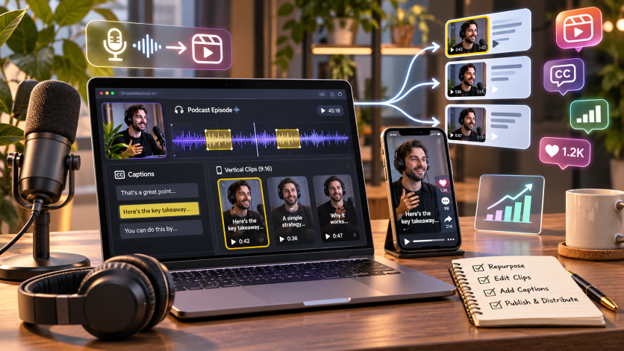
Video marketing helps businesses introduce products, explain services, and connect with customers. However, creating videos regularly can take time, especially when every project requires filming, editing, and planning.
AI video creation tools make this process easier. Businesses can turn written ideas into videos, generate visual scenes, add voiceovers, and prepare promotional content without filming everything from scratch.
From product demonstrations to social media advertisements, AI gives marketers more ways to create engaging video content.
This guide explains how to create marketing videos using AI, explores three useful tools, and shares tips for improving video quality.
Why Use AI for Marketing Video Creation?
AI video tools help businesses create visual content from prompts, scripts, and existing ideas.
Instead of handling every production step manually, marketers can generate scenes and simplify parts of the editing process.
Some benefits include:
- Faster content creation: Generate video scenes without recording every shot.
- More creative options: Experiment with settings, visuals, and storytelling styles.
- Content repurposing: Turn written ideas and scripts into marketing videos.
- Flexible formats: Prepare videos for product promotions, social media, and advertisements.
- Creative testing: Develop different concepts before selecting the best version.
AI videos can also support a broader social media marketing strategy by helping businesses create content for multiple platforms.
How to Create Engaging Marketing Videos Using AI
1. Define Your Marketing Goal
Decide what you want the video to achieve.
You might want to introduce a product, explain a service, build brand awareness, or encourage viewers to visit your website.
A clear goal helps you choose the right message and visual style.
2. Understand Your Audience
Think about who will watch your video and what information they need.
A product demonstration may suit potential customers, while an educational explainer may work better for people researching a problem.
3. Write a Clear Prompt or Script
Describe what you want the video to show.
Include the subject, setting, movements, lighting, and visual style.
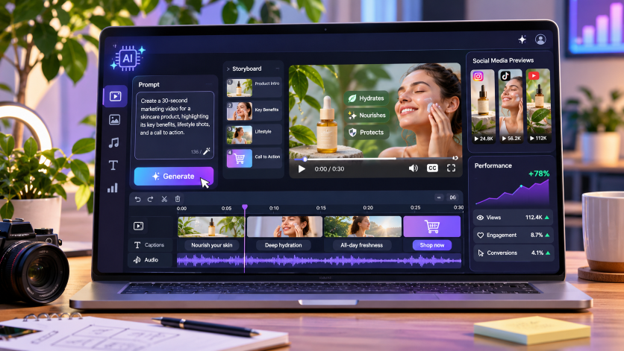
A sample prompt could be:
“Create a promotional video showing a modern coffee machine in a bright kitchen. Include close-up product shots, smooth camera movement, and warm lighting.”
4. Choose an AI Video Tool
Select a platform that matches your requirements.
Some tools specialize in short cinematic clips, while others support complete videos with multiple scenes, voiceovers, music, and editing options.
5. Generate and Edit Your Video
Enter your prompt and review the generated content.
Check the visuals, scene movements, and message. Adjust the instructions where necessary.
Add captions, product information, music, or brand elements before publishing.
6. Export for Your Marketing Platform
Choose a suitable video format.
Vertical videos work well for Instagram Reels, TikTok, and YouTube Shorts. Horizontal videos can suit YouTube, websites, and presentations.
3 AI Tools for Creating Marketing Videos
Several AI platforms help businesses create videos from written instructions. Here are three options for different marketing needs.
1. Invideo
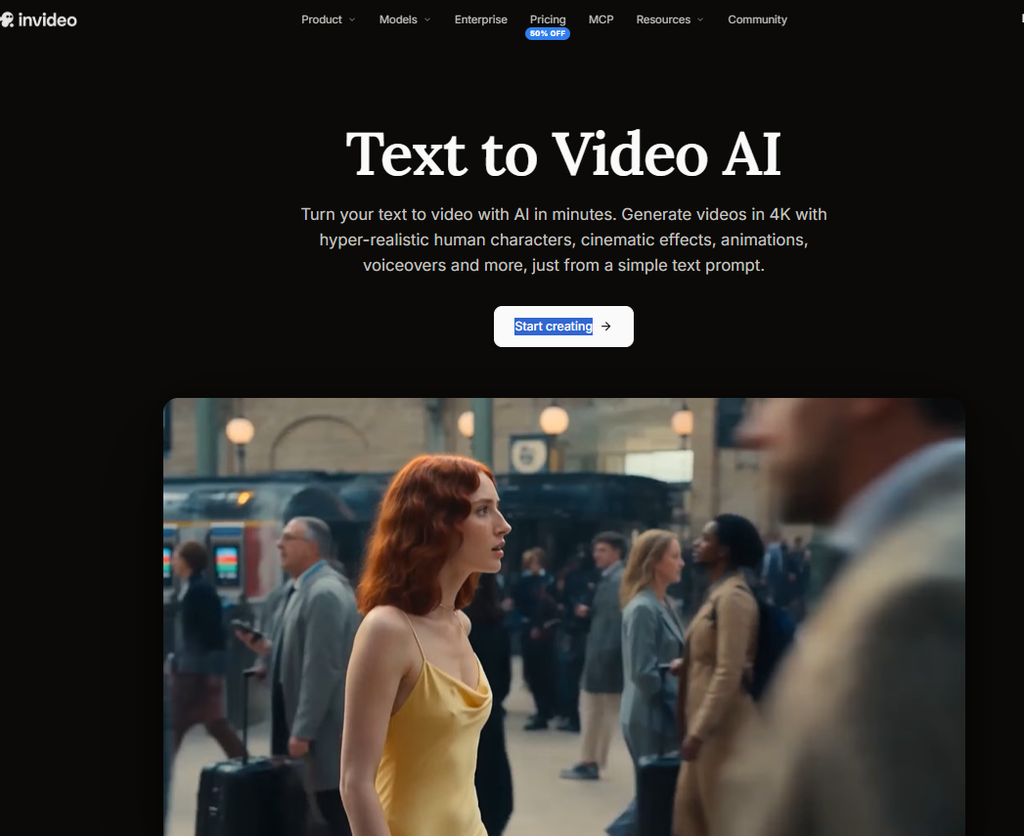
Invideo is an AI-powered video creation platform that turns written prompts, scripts, and documents into videos. It helps businesses create marketing content, from developing an initial idea to generating scenes and refining the final video.
With invideo’s Text to Video tool, marketers can describe the setting, characters, movements, and visual style they want. AI can generate scenes, animations, voiceovers, background music, and edits based on those instructions.
Invideo provides access to multiple AI video models, including Seedance 2.5, Gemini Omni Flash, Veo 3.1, Kling 3.0, and MiniMax H3.
These models offer different creative strengths. Seedance 2.5 supports cinematic scenes with detailed motion and consistent characters. Gemini Omni Flash focuses on scene understanding and natural movement. Kling 3.0 supports multi-shot storytelling with realistic characters and dialogue, while MiniMax H3 supports short clips with synchronized audio.
The platform advertises eight-second cinematic clips with 1K, 2K, and 4K quality options, depending on the model. These can support product visuals, cinematic storytelling, and creative campaigns.
Businesses can create product ads, UGC-style videos, explainers, branded promotions, and localized marketing content. Invideo also supports realistic AI-generated characters whose appearance, movements, and interactions can be described through prompts.
For larger projects, invideo’s AI agents can analyze scripts or briefs, generate clips, organize scenes, and build an editable timeline.
Users can also write scripts with an AI co-writer, create shot-by-shot storyboards, and refine videos in the timeline editor. Custom agents can handle creative roles such as cinematography, video editing, music, sound design, and color grading.
Real-time multiplayer editing with live cursors allows teams to review and improve projects together before exporting.
Key features:
- Creates videos from prompts, scripts, and documents.
- Generates AI scenes, animations, voiceovers, music, and edits.
- Offers multiple video models with selected 4K generation options.
- Supports product ads, UGC videos, explainers, and AI characters.
- Includes AI agents, script writing, and storyboarding.
- Provides timeline editing, custom agents, and live collaboration.
Best for: Marketing teams, ecommerce brands, and creators producing promotional and multi-scene videos.
2. Runway
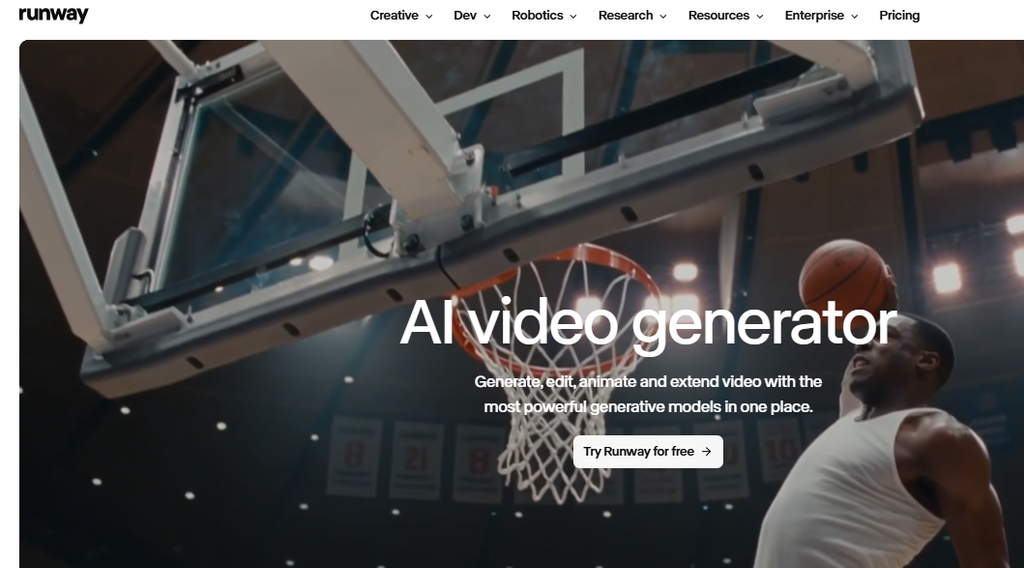
Runway is an AI video generation platform that allows creators to turn written descriptions into moving video clips. It is useful for businesses creating cinematic advertisements, promotional visuals, and creative marketing scenes.
Its Gen-4.5 model supports text-to-video generation without requiring an uploaded reference image.
Users can describe the subject, setting, lighting, movement, and camera behavior. The model interprets these instructions to create a video scene.
Runway supports detailed prompts involving camera movements, scene composition, and the timing of actions. This helps marketers develop specific visual concepts for advertising campaigns.
Gen-4.5 supports clips between two and ten seconds, with 720p output and frame-rate options of 24 or 25 fps.
Creators can adjust prompts, regenerate clips, and compare different results before selecting a suitable version.
Runway also allows users to download generated clips and continue developing them through its creative workflows.
For marketing teams, this makes it useful for producing cinematic product scenes, concept videos, and short promotional visuals that can become part of larger campaigns.
Key features:
- Generates video clips directly from text prompts.
- Offers the Gen-4.5 text-to-video model.
- Supports detailed camera and motion instructions.
- Creates clips between two and ten seconds.
- Provides 720p output and frame-rate controls.
- Allows prompt adjustments and video regeneration.
Best for: Advertising agencies, creative teams, and marketers producing cinematic promotional clips.
3. Canva
Canva is an online design platform that combines marketing graphics, video editing, and AI-powered content creation. It is useful for businesses preparing promotional videos alongside social media posts and other marketing materials.
Canva’s AI Video Clip feature allows users to generate short videos from written prompts.
Users can describe a scene, setting, movement, or visual style, and Canva generates a clip based on those instructions.
The tool supports eight-second videos with audio or six-second videos without audio. Users can also attach a reference image to guide the style or composition.
After generating a clip, marketers can open it in Canva’s video editor to add text, trim footage, include music, and apply other design elements.
Canva also provides video templates, graphics, and branding tools that help businesses maintain consistent visual styles across campaigns.
Businesses can create short promotional clips, product announcements, and social media content without switching between multiple design platforms.
Key features:
- Generates short AI videos from written prompts.
- Supports eight-second videos with audio.
- Offers six-second silent video generation.
- Allows reference images to guide visual composition.
- Includes trimming, text, graphics, and music.
- Provides marketing templates and branding tools.
Best for: Small businesses, social media managers, and marketers preparing short branded videos.
Tips for Creating Better AI Marketing Videos
Keep Your Message Simple
Focus on one main idea per video. Avoid adding too many products, messages, or effects.
Maintain Brand Consistency
Use familiar brand colors, logos, and messaging. Review generated visuals to ensure important product details remain accurate.
Make the Opening Interesting
Start with an engaging scene, a customer problem, or a useful question that encourages viewers to continue watching.
Add Clear Calls to Action
Encourage viewers to explore a product, visit your website, or learn more about your services.
Test Different Video Concepts
Experiment with opening scenes, visual styles, and promotional messages.
Track the results using relevant digital marketing performance metrics to understand which videos connect with your audience.
Common Mistakes to Avoid
AI simplifies video creation, but marketing content still needs careful planning.
- Vague prompts: Describe scenes and movements clearly.
- Too many effects: Keep the focus on the main message.
- Inaccurate product details: Check logos, colors, and visual claims.
- Poor captions: Review subtitles for mistakes.
- Wrong video formats: Match dimensions to the publishing platform.
- Skipping final reviews: Watch the complete video before publishing.
Marketing videos should also support a wider SEO and content marketing strategy by answering customer questions and providing useful information.
Conclusion
AI video creation tools give businesses more ways to produce marketing content from written ideas. Marketers can generate product visuals, promotional scenes, and social media videos without filming every part of a project.
Platforms such as invideo, Runway, and Canva offer different approaches to AI video creation. The right choice depends on your marketing goals, creative needs, and editing requirements.
Clear prompts, consistent branding, and careful editing can help businesses create videos that communicate their message effectively.
Frequently Asked Questions
1. Can AI create marketing videos from text?
Yes. AI tools can turn written prompts and scripts into videos with generated scenes, visuals, movement, and other creative elements.
2. Which AI tool is suitable for creating marketing videos?
Invideo, Runway, and Canva are useful options. Invideo supports multi-scene workflows, Runway creates cinematic clips, and Canva combines short AI videos with design tools.
3. Can AI-generated videos be used for social media advertising?
Yes, provided they follow the advertising platform’s policies and the AI tool’s commercial usage terms. Businesses should review generated content before publishing.
4. Do I need professional editing skills to create AI marketing videos?
Not necessarily. Many AI tools allow users to generate videos through text instructions. Basic editing knowledge can help improve the final result.