+91 95752 60218


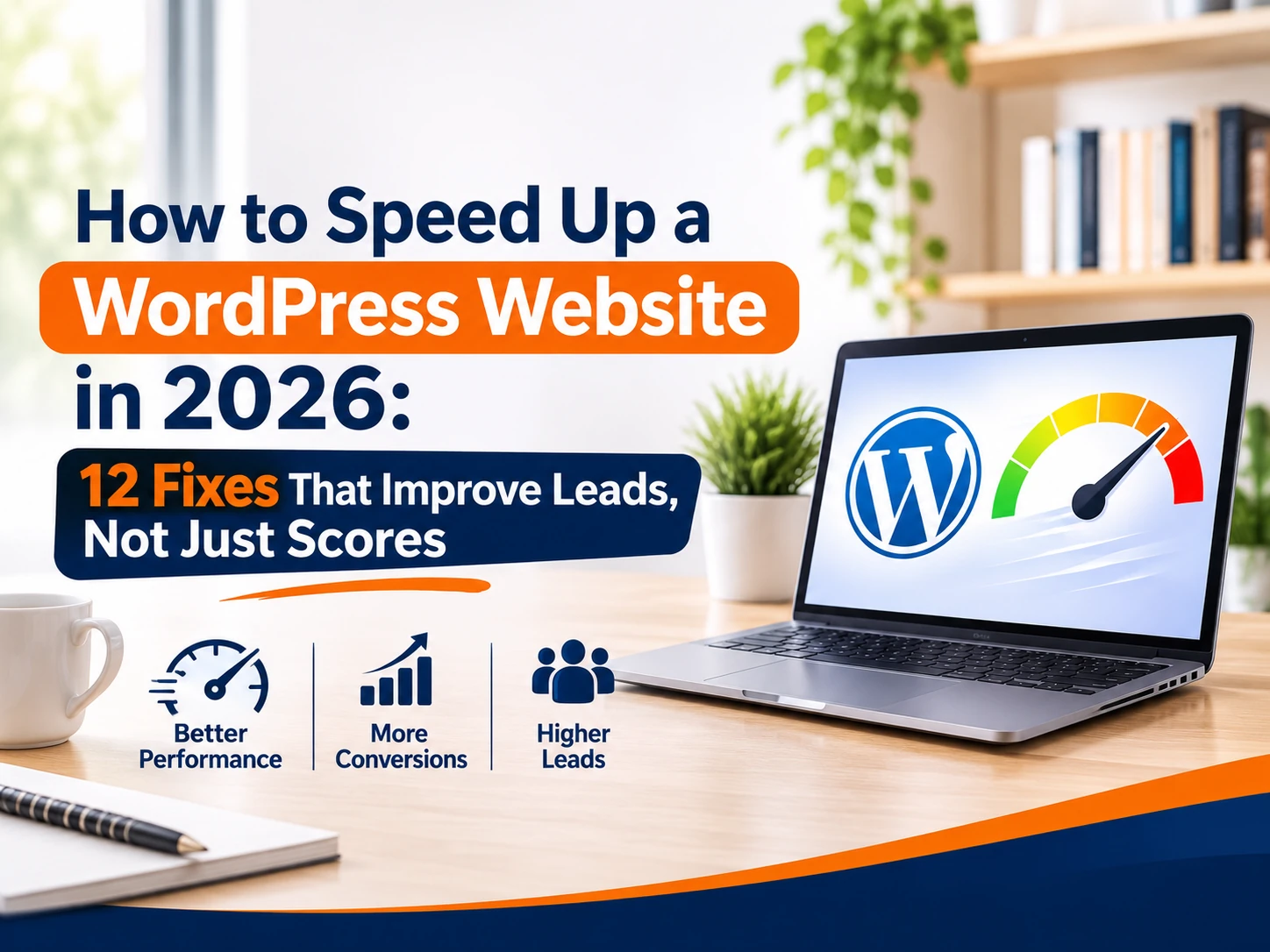
You’ve probably optimized your WordPress website’s design, content, and images, but visitors may still experience slow loading.
A high PageSpeed Insights score alone cannot guarantee a smooth experience if important pages, buttons, and contact forms remain slow. In this guide, you’ll discover 12 practical ways to speed up your WordPress website and improve the experience for potential customers.
Key Takeaways
- WordPress speed optimization improves loading time, responsiveness, and website usability.
- Core Web Vitals measure loading performance, responsiveness, and visual stability.
- Caching and image compression help reduce unnecessary loading delays.
- Mobile optimization creates a smoother experience for smartphone users.
- Reliable hosting and CDN delivery can improve website resource delivery.
- Faster landing pages and contact forms make it easier for visitors to enquire or purchase.
- Regular testing helps identify performance problems before they affect more visitors.
What Is WordPress Website Speed Optimization?
WordPress speed optimization is the process of improving a website’s loading time, responsiveness, and overall performance by optimizing hosting, caching, images, code, and other resources.
For example, if your homepage takes six seconds to display its main content, visitors may leave before exploring your services.
Three important performance measurements are:
- LCP (Largest Contentful Paint): Measures how quickly the main visible content appears.
- INP (Interaction to Next Paint): Measures how quickly a website responds to user interactions.
- CLS (Cumulative Layout Shift): Measures unexpected movement of page elements.
Google recommends an LCP of 2.5 seconds or less, INP of 200 milliseconds or less, and CLS of 0.1 or less for good Core Web Vitals.
Why Does WordPress Website Speed Matter for SEO and Leads?
Website speed matters because faster pages give an experience to users and let visitors find important information quickly without long waits.
For example, a potential customer who visits your service page may leave if the content loads slowly or if the enquiry form responds slowly.
Speed optimization supports:
- mobile browsing experiences.
- Easier. Interactions.
- Improved landing page usability.
- Smoother checkout and enquiry processes.
- Better technical performance for search engines.
Website speed is also an important part of technical SEO. Understanding how technical SEO improvements support website speed and search performance can help you build a stronger optimization strategy.
However, faster loading does not automatically guarantee rankings or more leads. Content quality, relevance, usability, and other SEO factors remain important.
How to Speed Up a WordPress Website: 12 Practical Fixes
These 12 WordPress speed optimization techniques address common performance problems, starting with foundational improvements.
For more practical guidance, explore these WordPress website optimization tips to understand how hosting, caching, images, and other performance improvements can make your website faster.
1. Choose Fast and Reliable WordPress Hosting
Hosting affects how quickly your server processes requests and delivers website content. Choose a provider with reliable infrastructure, sufficient resources, updated PHP, and suitable server locations for your audience.
2. Use a Lightweight WordPress Theme
A lightweight theme reduces unnecessary scripts, styles, and features. Choose a performance-focused theme that works smoothly with your page builder, especially if your website uses Elementor.
Explore professional WordPress website development for more information about website structure and development.
3. Install and Configure a Caching Plugin
Caching keeps ready‑to‑serve copies of website content, so the server does not have to process the data again and again. If your host works with WP Rocket, LiteSpeed Cache or W3 Total Cache, choose one of those. Do not turn on every optimization feature without testing how your website behaves.
4. Optimize Images without losing quality.
Big images can slow down page loading a lot. Compress images, cut them down to the size they will appear and use modern formats like WebP or AVIF when the browser supports them. Turn on loading for images that sit below the fold. Avoid lazy-loading the main image that appears at the top of the page and contributes to LCP.
5. Improve Largest Contentful Paint (LCP)
LCP indicates how long a webpage takes to display its largest visible element to visitors.Optimize your hero image, reduce server response delays, and preload critical resources when appropriate.
6. Remove Unnecessary WordPress Plugins
Unnecessary plugins can add scripts, database queries, and background processes. Review installed plugins and remove inactive or overlapping functionality.
Plugin quality matters more than plugin count. A well-coded plugin may have less impact than one poorly optimized plugin.
7. Minify and Optimize CSS and JavaScript
Minification removes unnecessary characters from website code, while script optimization reduces delays caused by non-critical resources.
Use defer or delay settings carefully. Test menus, forms, sliders, and other interactive features after making changes.
8. Use a Content Delivery Network (CDN)
A CDN sends files from servers that are spread across many regions. This lets visitors download images, CSS and JavaScript from sites that’re closer to them.
Cloudflare is one choice that’s worth looking at if a website has visitors from many different places.
9. Optimize the WordPress Database
WordPress databases can pile up revisions, spam comments, expired transients and useless records. Clean out data and tune database tables carefully.
Always make a backup before cleaning the database to keep website information safe.
10. Optimize Fonts and Third‑Party Scripts
many font styles, tracking scripts, chat widgets and external embeds can slow down rendering.
Use fewer font weights, think about hosting fonts and load non‑essential scripts in a way that does not block key page content.
11. Improve Mobile Website Performance
Mobile optimization makes sure visitors can browse and interact with your website on smartphones. I recommend using layouts, images that fit well and simple navigation. Avoid animations that waste time and pop‑ups that intrude. I also suggest testing buttons, menus and contact forms on their own so that mobile optimization stays smooth.
For more insights, read our guide on why a mobile-friendly website is important for SEO and learn how responsive design improves mobile usability.
12. Optimize Contact. Conversion Elements.
Contact forms and conversion elements must respond quickly because they support business enquiries. Reduce form fields, delete redundant integrations and test WhatsApp buttons, enquiry forms and checkout functionality. For businesses, a fast service page with a working enquiry form is more valuable than a speed score alone.
Which Tools Can Help You Test WordPress Website Speed?
WordPress performance tools identify loading delays, technical problems, and opportunities for improvement.
| Tool | Main purpose |
| Google PageSpeed Insights | Performance and Core Web Vitals analysis |
| GTmetrix | Loading reports and waterfall analysis |
| Google Search Console | Real-user Core Web Vitals monitoring |
| Chrome Lighthouse | Performance diagnostics |
| WebPageTest | Detailed loading analysis |
| WP Rocket / LiteSpeed Cache | Caching and optimization |
| ShortPixel / Imagify | Image compression |
Lab data vs. field data: Lab data measures performance in a controlled testing environment, while field data reflects actual visitor experiences.
For example, PageSpeed Insights provides Lighthouse lab diagnostics and Chrome UX Report field data when sufficient real-user data is available.
What’s Next? WordPress Speed Optimization Checklist
A WordPress speed optimization checklist helps you track improvements without overlooking important pages.
- Test your website before making changes.
- Record LCP, INP, and CLS measurements.
- Review hosting and server response time.
- Configure caching correctly.
- Compress and resize large images.
- Remove unnecessary plugins.
- Optimize CSS, JavaScript, and fonts.
- Review CDN configuration.
- Clean the database after taking a backup.
- Test homepage, service pages, and landing pages.
- Check mobile navigation and contact forms.
- Monitor Core Web Vitals and enquiry conversions.
Start with the pages that receive the most visitors or generate important business enquiries.
Conclusion:
WordPress speed optimization is an effort that needs regular testing and upkeep. Hosting, caching, images, scripts and mobile usability all affect how fast a website works.
Of chasing the perfect PageSpeed score, WordPress speed optimization should concentrate on loading content faster, making interactions quick and keeping conversion features working well.
Begin by testing the important pages, fixing the biggest problems and measuring the outcomes. These changes can give visitors an experience and help the website reach its business goals.
Need help improving your website’s speed, performance, or user experience? Our team is ready to help. Contact Digital OMNITECH to discuss your website development, speed optimization, and performance improvement requirements.
Frequently Asked Questions (FAQs)
1. How can I speed up my WordPress website without changing hosting?
You can speed up WordPress without changing hosting by enabling caching, compressing images, removing unnecessary plugins, optimizing CSS and JavaScript, and using a CDN. These improvements can reduce loading delays without requiring a hosting upgrade.
2. What is a good loading time for a WordPress website?
A good WordPress website should aim to load its main visible content within 2.5 seconds. Google recommends an LCP of 2.5 seconds or less, INP of 200 milliseconds or less, and CLS of 0.1 or less.
3. Which WordPress plugins can improve website speed in 2026?
Some commonly used options for improving WordPress performance are WP Rocket, LiteSpeed Cache, and W3 Total Cache. For image optimization, plugins such as ShortPixel and Imagify can help reduce image file sizes. The right choice depends on your hosting setup, website needs, and compatibility with other plugins.
4. How can I improve WordPress Core Web Vitals?
You can improve WordPress Core Web Vitals by optimizing large images, reducing server response time, removing unnecessary scripts, configuring caching, and preventing unexpected layout shifts. Test both mobile and desktop performance using Google PageSpeed Insights.
5. Does website speed affect SEO and lead generation?
Yes. Website speed contributes to user experience and is one of Google’s page experience considerations. Faster pages can make it easier for visitors to explore services, complete contact forms, and make purchases. However, speed improvements alone do not guarantee higher rankings or more leads.