+91 95752 60218

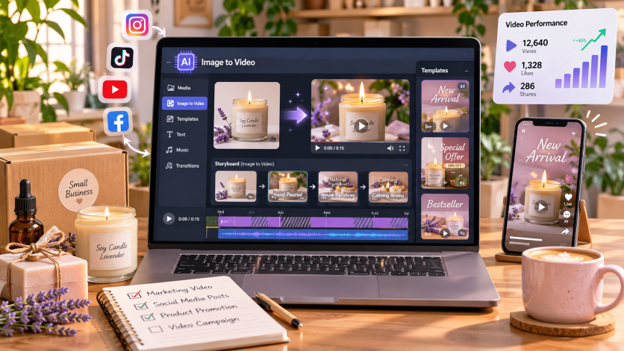
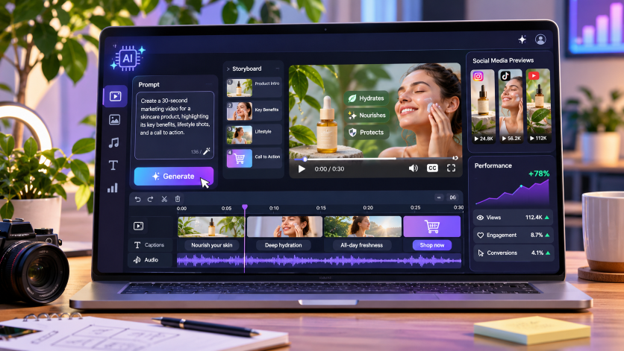
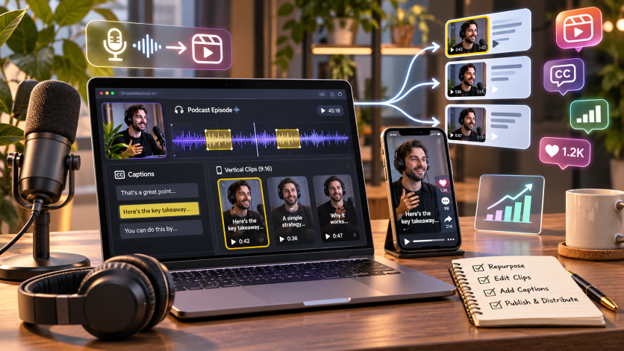
Creating marketing videos can be difficult for small businesses when filming requires cameras, equipment, and extra time. However, businesses can now turn existing product photos, brand images, and other visuals into promotional videos using AI.
Image-to-video tools add movement to still photos, helping businesses create content without arranging a new shoot. These videos can support product promotions, social media posts, and advertising campaigns.
This guide explains how to create marketing videos without filming, introduces three AI tools, and shares practical tips for improving results.
Why Create Marketing Videos Without Filming?
Small businesses often have limited time and resources for video production. Working with existing images provides another way to prepare marketing content.
Some benefits include:
- Less production work: Create videos without arranging a new shoot.
- Faster content creation: Turn existing photos into short clips.
- More creative options: Try different movements and visual styles.
- Content repurposing: Give product photos and brand images another purpose.
- Marketing flexibility: Create videos for advertising, websites, and social media.
These videos can support a broader social media marketing strategy by helping businesses share content across multiple platforms.
How to Create Marketing Videos Without Filming
Step 1: Choose Clear Product Images
Start with high-quality photos that represent your products or services.
Images with good lighting, visible product details, and clean backgrounds usually provide a better starting point.
Step 2: Plan Your Video
Decide what the video should communicate.
You might want to introduce a product, highlight its design, announce an offer, or promote a service.
Keep the message focused on one main idea.
Step 3: Select an AI Video Tool
Choose a platform that can turn photos into animated clips.
Some tools focus on cinematic movements, while others provide additional editing, branding, and collaboration features.
Step 4: Describe the Movement
Upload your image and explain how it should move.
A sample prompt could be:
“Create a slow camera movement toward the product with soft lighting and a gentle zoom. Keep the packaging, shape, and colors consistent.”
Step 5: Add Marketing Elements
Review the generated clip and add product information, branding, captions, background music, or a call to action.
Make sure the message remains clear.
Step 6: Export and Publish
Choose the correct video dimensions for your platform.
Vertical videos suit Instagram Reels, TikTok, and YouTube Shorts. Horizontal formats work well for websites and regular YouTube videos.
3 AI Tools for Creating Marketing Videos Without Filming
Several AI tools help businesses animate existing photos. Here are three options for different marketing needs.
1. Invideo
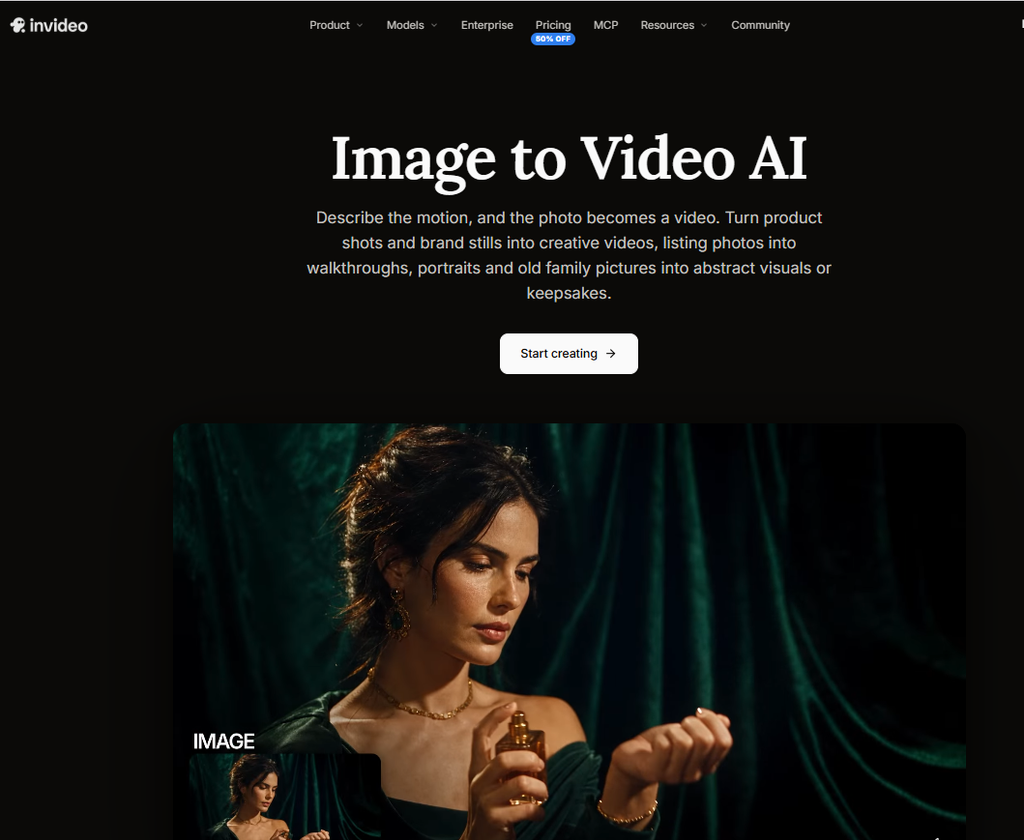
Invideo is an AI-powered video creation platform that helps businesses turn product photos, brand images, and other still visuals into moving videos. It is useful for ecommerce promotions, social media advertisements, and branded marketing campaigns.
With invideo’s Image to Video AI, users can upload JPG, PNG, or WEBP images and describe the movement they want. They can request slow zooms, camera pans, and other effects while selecting an AI model for generation.
Invideo brings several creative models into one workspace, including Seedance 2.5, Seedance 2.0, Kling 3.0, MiniMax H3, Runway Gen-4.5, and Gemini Omni Flash. It also provides access to additional image, audio, and creative models.
A useful feature is invideo agent, which can retain brand colors, packaging details, and character references across multiple clips. Its reference-to-video workflow draws on previous clips and reference images to help maintain a product’s appearance throughout a campaign.
Businesses can animate product photos, create ad variations, and generate B-roll that complements existing footage. Creative styles include 3D-style animation, photobooth effects, portraits, hand-drawn animation, and other visual treatments.
Beyond image animation, invideo offers AI-assisted script writing, shot-by-shot storyboarding, timeline editing, and custom agents for creative tasks. Teams can collaborate in real time using multiplayer editing with live cursors.
Creators can request changes through text instructions and prepare videos for Instagram, TikTok, and YouTube. Longer projects can combine several generated clips, with duration depending on the selected model.
Invideo also offers limited free-plan generation and commercial usage rights for generated videos.
Key features:
- Animates JPG, PNG, and WEBP images using motion prompts.
- Provides multiple AI models and creative animation styles.
- Helps maintain product and brand consistency across clips.
- Supports reference-to-video, product ads, and AI B-roll.
- Includes storyboarding, script writing, and timeline editing.
- Offers custom AI agents and real-time collaboration.
Best for: Small businesses, ecommerce brands, and marketing teams creating branded promotional videos.
2. Runway
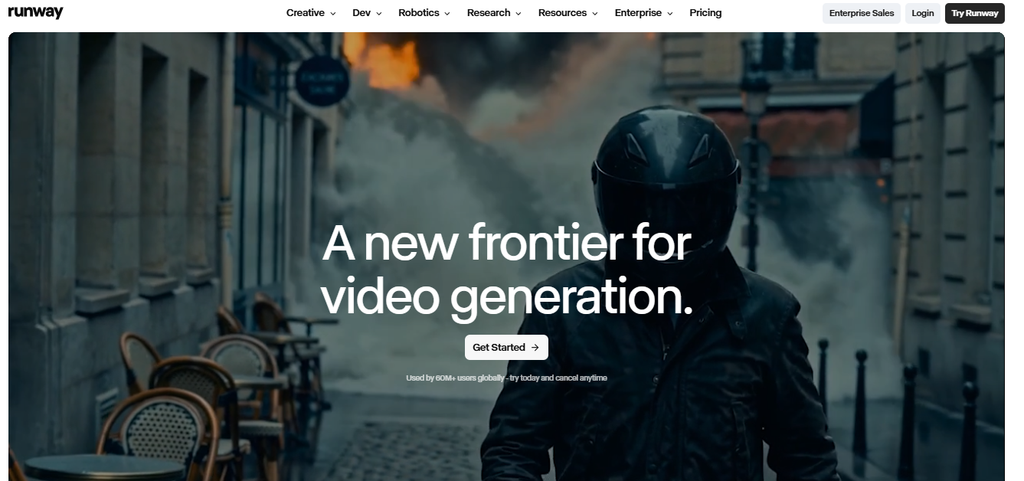
Runway is an AI video generation platform that helps creators turn still images into moving clips. It is useful for businesses developing cinematic product advertisements, creative brand visuals, and promotional content.
Users can upload a photo and describe the camera movement, subject action, or environmental changes they want.
Runway’s Gen-4.5 model supports image-to-video generation. The uploaded image establishes the scene’s composition, subject, lighting, and visual style, while the text prompt guides movement.
This allows marketers to experiment with camera pans, close-ups, moving backgrounds, and different advertising concepts.
Runway also supports detailed motion instructions involving direction, timing, and speed. These controls help creators guide how a scene develops.
Users can adjust prompts, regenerate clips, and compare different results before choosing a suitable version.
For product marketing, Runway can help create cinematic product scenes, moving brand visuals, and short clips that become part of larger campaigns.
The platform is particularly useful when camera movement and visual storytelling are important to the creative direction.
Key features:
- Generates moving clips from uploaded images.
- Supports the Gen-4.5 image-to-video model.
- Allows detailed camera and subject movement prompts.
- Uses reference images to guide scene appearance.
- Supports prompt adjustments and regeneration.
- Helps create cinematic promotional visuals.
Best for: Creative agencies, advertisers, and businesses producing visually detailed product videos.
3. Canva
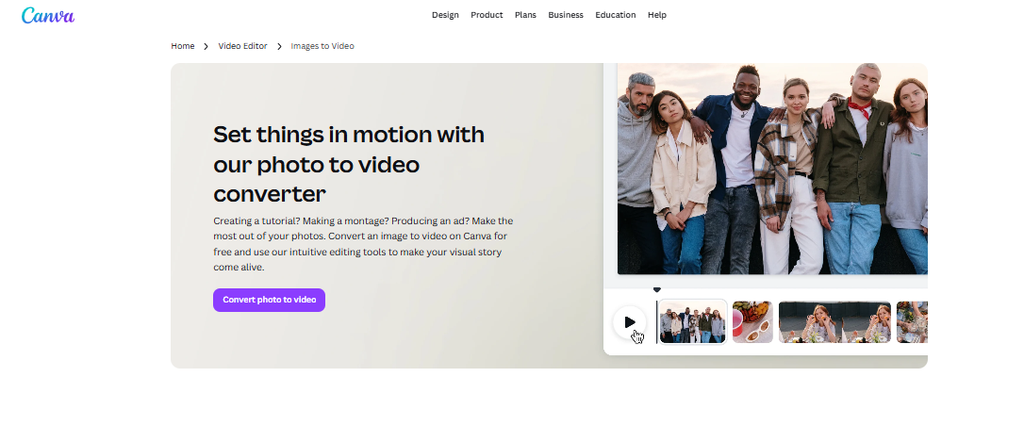
Canva is an online design platform that combines graphics, video editing, and AI-powered content tools. It is suitable for small businesses creating promotional videos alongside regular marketing materials.
Canva’s Image to Video feature turns still photos and graphics into short animated clips.
Users can select an image in the editor and choose between Smart and Custom modes. Smart mode adds movement automatically, while Custom mode allows users to describe their preferred animation.
The tool generates five-second clips that are added directly to the Canva editor. Users can generate another version if the first result does not suit their project.
After creating an animation, businesses can add text, product descriptions, graphics, music, and other marketing elements.
Canva also provides templates and brand design tools for social media posts, product announcements, and promotional campaigns.
The generated animation keeps the image’s original aspect ratio. Canva’s broader editing tools allow users to combine several clips into a longer design.
This makes Canva convenient for businesses preparing short branded content without moving between multiple design applications.
Key features:
- Animates existing images into short video clips.
- Offers Smart and Custom motion modes.
- Generates five-second animations.
- Includes text, graphics, music, and editing tools.
- Provides marketing templates and branding features.
- Supports combining clips into longer video designs.
Best for: Small businesses and social media managers creating short promotional videos.
Tips for Creating Better Marketing Videos
Keep Your Product Visible
Choose movements that highlight important details without distracting viewers.
Maintain Brand Consistency
Use familiar colors, fonts, and logos. Check that AI-generated movement hasn’t changed product details.
Keep the Message Focused
Introduce the product quickly and avoid adding too many effects or messages.
Test Different Video Styles
Try different camera movements, opening scenes, and promotional messages.
Track results using relevant digital marketing metrics to understand which videos attract audience interest.
Common Mistakes to Avoid
Even with AI, marketing videos need careful review.
- Blurry photos: Start with clear images.
- Unclear prompts: Describe the movement you want.
- Excessive effects: Keep attention on the product.
- Incorrect details: Check logos, packaging, and colors.
- Wrong formats: Match dimensions to your platform.
- Skipping review: Watch every video before publishing.
Video content should also support a wider SEO and content marketing strategy by helping businesses share useful information with potential customers.
Conclusion
Small businesses can create marketing videos without filming every scene. AI tools can turn existing photos into moving clips for social media, advertising, and business promotions.
Invideo, Runway, and Canva provide different approaches to image animation and video creation.
With clear images, useful motion instructions, and consistent branding, businesses can create engaging marketing content using visuals they already have.
Frequently Asked Questions
1. Can small businesses create marketing videos without filming?
Yes. AI image-to-video tools can animate product photos and brand images, helping businesses create short promotional videos without recording new footage.
2. Which AI tool is suitable for turning photos into marketing videos?
Invideo, Runway, and Canva are useful options. Invideo supports branded video workflows, Runway offers detailed motion generation, and Canva combines short animations with design tools.
3. Can AI-generated marketing videos be used for social media advertising?
Yes, subject to the tool’s commercial usage terms and the advertising platform’s policies. Always review the content before publishing.
4. Do I need professional editing skills to create AI marketing videos?
Not necessarily. Many tools allow users to upload an image and describe the desired movement using simple text instructions.