+91 95752 60218

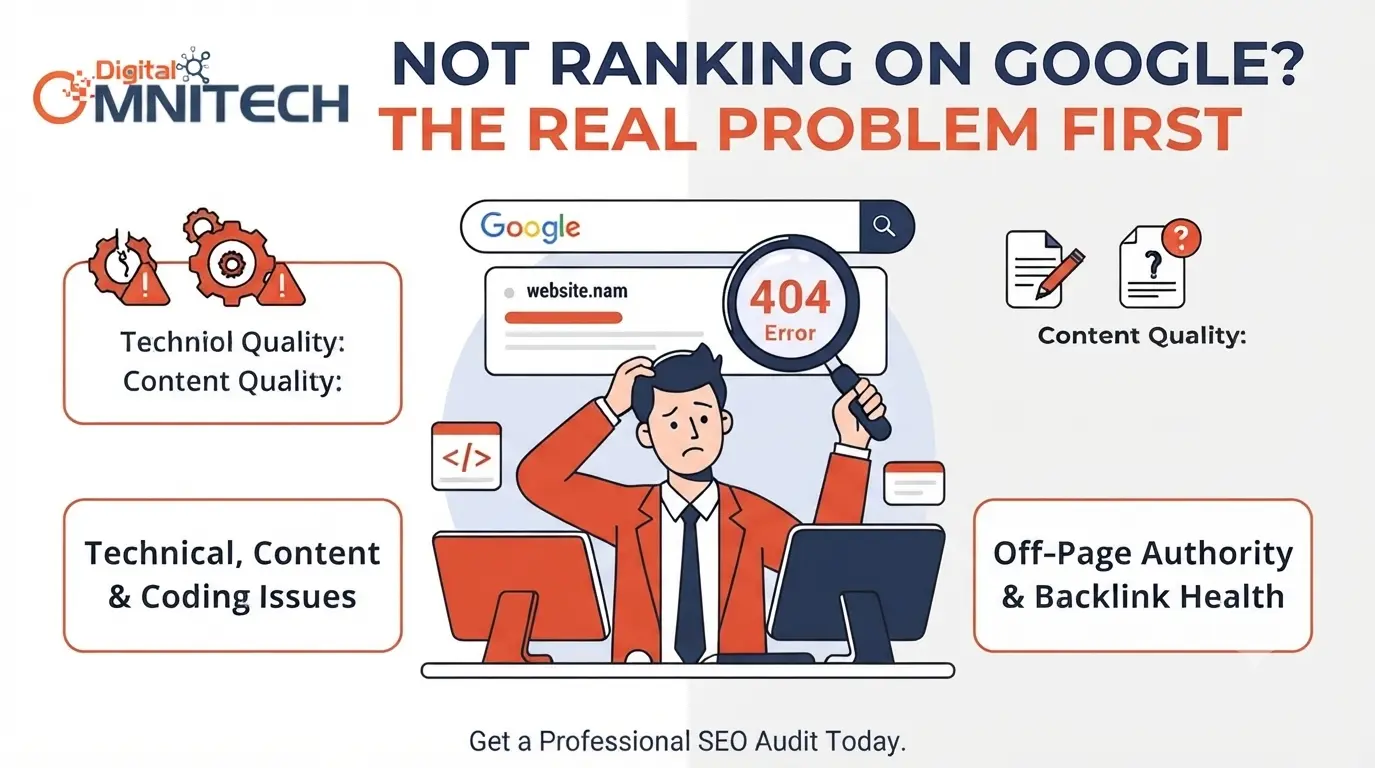
You’ve built a website, published your pages, added your services, and even started doing SEO.
But when you search for your business or target keywords on Google, your website doesn’t show up or is difficult to find.
It can be frustrating if your website isn’t appearing in Google results.
However, this doesn’t always mean you need to create more backlinks or write more blog posts to improve visibility.There could be multiple reasons why your website isn’t ranking well.
It could be that your web pages aren’t indexed by Google, or the content you’re writing
doesn’t match what users are searching for.Technical issues might also be preventing Google from properly crawling and understanding your website.
The most important step is not to start optimizing your website randomly without figuring out what the problem is.
It’s essential to follow the correct SEO process, identify the issues, and address them in a logical order.
What Does “Website Not Ranking” Really Mean?
There are several common situations that webmasters and marketers refer to as their website not ranking.
To take the right action, you need to identify the specific scenario and analyze it thoroughly.
Website Not Indexed
This means Google doesn’t recognize the page and won’t display it in search results.
The best approach is to check why the page isn’t indexed that could be because it was indexed before but was demoted.
Your Website Is Indexed but Ranking Very Low
Your page may be indexed, but it appears far down, like on page 5 or 8.
This could signal issues with content quality, relevance, search intent, competition, authority, or technical SEO.
Your Website Ranks for the Wrong Keywords
The keywords you’re targeting are not performing well.
This means your website is ranking for terms that are not relevant to your business or products/services.It’s also common for websites to receive impressions for keywords they didn’t intend to rank for.
Website Getting Impressions but No Clicks
Your web pages appear in Google search results, but the click-through rate (CTR) is very low.
This could be due to low relevance, mismatched search intent, or competitors having higher CTRs.
Your Google Ranking Suddenly Dropped
Your website was performing well before, but now it’s not showing up as much in the search results.
This could be due to recent changes in URL structure, new competitors, technical issues, content updates, or the loss of backlinks.
How to Check Your Website Ranking on Google
Before making any changes, it’s important to gather data.
Google Search Console can help track clicks, impressions, CTR, average position, queries, pages, devices, and countries.
For example, a page with 10,000 impressions and only 50 clicks shows good visibility but a poor CTR.
If a page has little in terms of impressions, you need to investigate.
Is the page targeting the right keywords, or is it not indexed correctly?
How to Find Google Keyword Ranking Data
To find out how your website ranks for certain keywords, avoid trial and error.
Use Search Console to understand:
• Which keywords generate impressions and clicks
• Which pages rank for certain keywords
• Which queries have high impressions but low CTR
• Which related keywords appear on the first page of results
• Which keywords are actually relevant to your business
A page that appears in positions 11-20 for relevant keywords might offer a better opportunity than creating a new page for the same keyword.
Should You Use a Ranking Website Checker?
A ranking website checker can help track keywords, URLs, location, devices, competitors, and ranking changes.
However, these tools only tell you where your website is ranked and not why it’s in a certain position.Use this data in combination with Search Console, technical audits, content analysis, and competitor research.
Common Reasons Your Website Is Not Ranking
13. Technical SEO Problems
Issues such as crawl errors, 404 pages, server errors, redirect chains, incorrect canonical tags, duplicate URLs, HTTPS problems, and crawling restrictions can negatively affect important pages on your website.
It’s essential to prioritize fixing critical technical issues that impact the ability of search engines to crawl and index your site, as well as the user experience.Don’t get overwhelmed by every technical SEO problem your audit highlights—focus on the most important ones.
14. Your Website Is Too Slow
Large images, unnecessary plugins, heavy JavaScript, third-party scripts, poor hosting, and disorganized code can all affect your website’s performance.
Review your Core Web Vitals—Largest Contentful Paint (LCP), Interaction to Next Paint (INP), and Cumulative Layout Shift (CLS)—and focus on user experience improvements rather than chasing every possible optimization.
15. Your Website Doesn’t Work Well on Mobile
Visit your website using a smartphone and check for issues like small text, difficult navigation, hard-to-click buttons, horizontal scrolling, intrusive pop-ups, ineffective forms, and slow performance.
High-quality SEO always centers around the end-user experience.It should not only improve your visibility in search engine results pages (SERPs) but also enhance the overall quality and usability of your website.
16. Your Website Lacks Trust Signals
Important trust signals include pages like About Us, contact information, author bios, certifications, customer reviews, testimonials, case studies, results, and service descriptions.
Have you considered how trust signals contribute to SEO?
Ensure that you build trust across your entire website, rather than cramming all trust signals onto a single page.
Trust signals play a role in the overall quality of your website, not just as a direct SEO factor.
importance of trust signals for SEO?
Make sure that you build trust signals throughout the website rather than trying to stuff them on one page. Trust signals tie into the overall quality of your website rather than being a pure SEO factor.
17. Your Page Ranks but Isn’t Getting Clicks
Your Page Ranks but Isn’t Getting Clicks
Are you focusing on the wrong metric?
Sometimes, the issue isn’t about ranking at all.Take a closer look at the following metrics:
Impressions → Position → Click-Through Rate (CTR) → Clicks
A page with 20,000 impressions ranking at position 6 faces a completely different challenge than a page with only 10 impressions ranking at position 80.
Always analyze the traffic and user intent before deciding to completely rewrite a page.
18. SERP Features Are Taking Attention
Google will often showcase featured snippets, People Also Ask, local packs, images, videos, shopping results, knowledge panels and AI Overviews. Therefore, make sure to ask yourself the following question.
What does my user see before clicking on my link? In other words, does my snippet compete against the rich result that appears above it in SERP?
19. Your Competitors Are Simply Better
In some cases, your competitors simply outperform you. It can be better content, internal linking, backlinks, UX, trust signals, freshness or coverage of topics. Don’t waste time trying to imitate their content. Instead, analyze what they do better and where your page has more value than theirs.
20. Your Website Changed Recently
Redesigns and migrations could cause SEO issues with URL changes, removed pages, internal linking issues, noindex tags, canonicalization, sitemap changes, robots.txt alterations or lack of redirects.
If rankings have decreased following a redesign, cross-reference old and new URLs and analyze Search Console metrics.
21-23. JavaScript, Duplicate URLs & Website Structure
While JavaScript itself is not necessarily detrimental to SEO, important content, links, or metadata should still becrawlableby search engines.
Duplicate or similar URLs can appear due to HTTP/HTTPS, www/non-www, parameters, product variations and similar content. Proper canonicalization, redirect implementation and content distinction is required.
Your website structure should be logical as well (e.g., not burying important pages):
Homepage > Services > Specific Service > Related Content
Key pages should not be more than a few clicks away from the homepage.
How to Diagnose Why Your Website Isn’t Ranking
The following steps should be taken to identify possible issues:
Indexing – Verify that important pages are indeed indexable
Search Console – Analyze impressions, clicks, CTR, position and queries
Keywords – Identify relevant search terms your content is performing for
SERP Analysis – Evaluate intent, content, and page type competitiveness
Technical SEO Audit – Noindex, robots, canonical, redirect, technical issues, performance
Competitor Analysis – Benchmark against similar websites for content, UX, internal linking and authority
Action Priority – Address critical issues first before lower-impact optimizations
What Should You Fix First?
| Priority | Problem | First Action |
| Critical | Noindex | Remove accidental blocking |
| Critical | Robots restriction | Correct crawl rules |
| Critical | Server errors | Fix accessibility |
| Critical | Wrong canonical | Correct preferred URL |
| High | Search intent | Rework page purpose |
| High | Weak content | Improve usefulness |
| High | Cannibalization | Consolidate or differentiate |
| High | Poor internal links | Add relevant links |
| Medium | Weak authority | Build relevant links |
| Medium | Slow pages | Improve performance |
| Medium | Low CTR | Improve title and snippet |
This prevents you from spending weeks building backlinks while an important page is still blocked from indexing.
Website Ranking Problems by Website Type
Local websites: Focus on Google Business, local intent, location, reviews, local pages, and consistent business information.
Ecommerce websites: Product and category indexing, duplicate descriptions, variants, filters, internal links, out-of-stock products, and structured data.
WordPress websites: Search visibility, SEO plugin, sitemap, canonicals, archives, duplicate content, plugins, and theme.
Shopify websites: Product and collection pages, duplicate URLs, canonicals, descriptions, internal links, apps, and website performance.
A Quick Website Ranking Audit
A Quick Website Ranking Audit
1–3 minutes: Check indexing.
4–6 minutes: Review Search Console data.
7–9 minutes: Find keywords already generating impressions.
10–12 minutes: Compare the current SERP.
13–15 minutes: Check noindex, robots, canonicals, redirects, mobile and performance.
It is a fast way to identify issues; however, a comprehensive SEO audit is still required to resolve them.
Final Thoughts
If your website is not appearing in Google search results, it does not mean that you need to create more content and accumulate backlinks. Instead, you should answer the following questions:
Can Google see the page? Is the page indexed? Are you targeting the keyword? Does the page content match the searched term? Does the page have technical issues? Does the competitor’s page have an advantage?
After identifying the issue, you can develop a strategy to improve the website’s ranking. The process is simple: check, diagnose, fix, monitor, and optimize.
Website ranking strategy is not about random fixes that will allow you to get a keyword on the first page of Google. Instead, it is a systematic approach to identifying the strengths and weaknesses of your website, prioritizing issues based on Severity and Effort, and taking corrective actions.
Frequently Asked Questions
1. Why is my website not ranking on Google?
Your website may not be ranking on Google because it is not indexed, targets the wrong keywords, has content that does not match search intent, or has technical SEO issues. Weak internal linking, limited website authority, slow performance, and strong competition can also affect Google ranking.
2. How can I check my website ranking on Google?
You can check your website ranking using Google Search Console. It shows the keywords your website appears for, impressions, clicks, click-through rate, and average position. A website ranking checker can also help you monitor keyword positions across different locations and devices.
3. How do I find my Google keyword ranking?
To find your Google keyword ranking, open Google Search Console and go to the Performance report. Check the Queries section to see which keywords bring impressions and clicks to your website, along with their average position.
4. Why is my website indexed but not ranking?
Being indexed does not automatically mean your website will rank well. Your page may have weak or incomplete content, poor search intent alignment, low authority, strong competition, or technical and internal linking issues. Review the page content, target keyword, backlinks, internal links, and competitors.
5. How long does it take for a website to rank on Google?
There is no fixed timeframe for Google ranking. A new website may need time to be crawled, indexed, and evaluated, while established websites may see changes sooner. Competition, content quality, website authority, technical SEO, and search intent all influence how quickly rankings improve.
6. Can backlinks improve my Google ranking?
Relevant, high-quality backlinks can help strengthen a website’s authority and support its ability to rank. However, backlinks alone cannot fix problems such as poor content, incorrect search intent, indexing issues, or technical SEO errors.
7. Why did my Google ranking suddenly drop?
A Google ranking drop can happen because of algorithm changes, stronger competitors, content changes, technical problems, indexing issues, lost backlinks, website migrations, or changes in search results. Check Google Search Console to identify which pages and keywords experienced the decline.
8. What should I fix first if my website is not ranking?
Start with the basics: check whether important pages are indexed, make sure they are not blocked by noindex or robots.txt, review search intent and content quality, check internal links, and identify technical issues. Once the fundamentals are fixed, work on authority, backlinks, and improving click-through rates.