+91 95752 60218

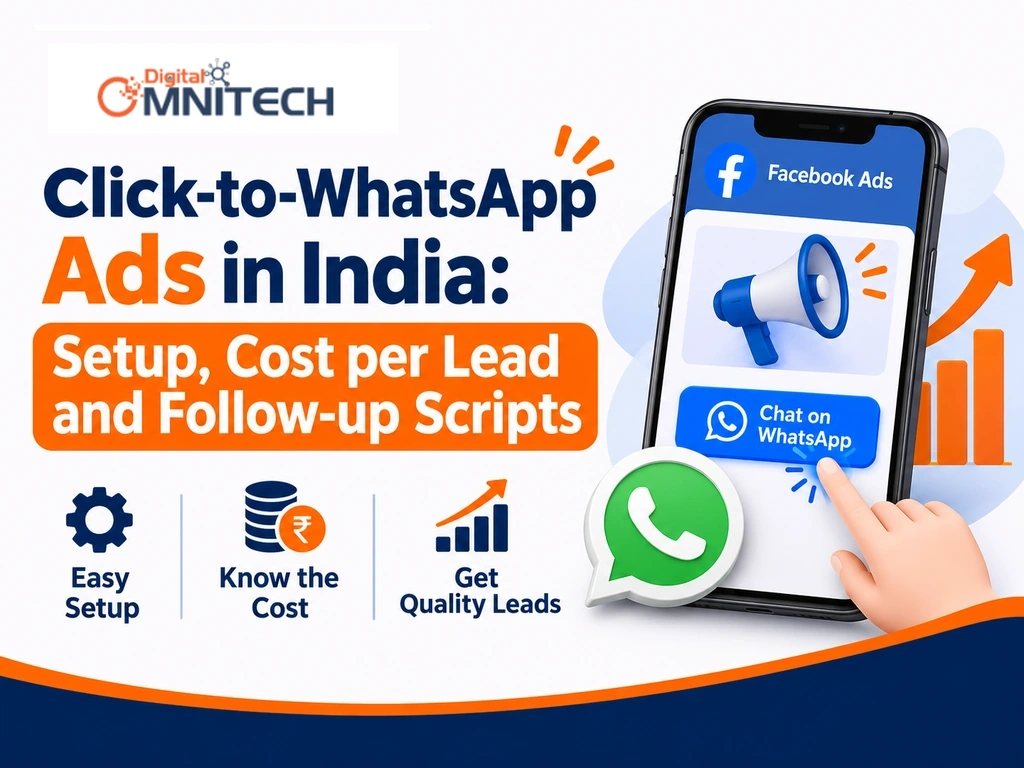
Many Indian businesses already run Facebook and Instagram ads to generate inquiries, but getting clicks does not always mean getting customers. The missing piece is often what happens after someone clicks: the conversation, lead qualification and follow-up. This guide explains Click-to-WhatsApp ads in India, their 2026 cost benchmarks, campaign setup and ways to convert inquiries into customers.
Key Takeaways
- Click-to-WhatsApp ads connect Facebook and Instagram advertisements directly to business WhatsApp conversations.
- WhatsApp advertising costs in India depend on industry, audience competition, location and creative quality.
- Campaign performance should be measured through qualified leads and customer acquisition costs, not clicks alone.
- Effective targeting combines relevant locations, audience interests and suitable advertising creatives.
- Quick responses and structured follow-ups help businesses convert enquiries into customers.
- WhatsApp ads work well for businesses offering consultations, appointments and product enquiries.
What Are Click-to-WhatsApp Ads?
Click-to-WhatsApp ads are Facebook and Instagram advertisements that redirect interested users into a direct WhatsApp conversation with a business instead of sending them to a website or traditional lead form.
For example, someone interested in buying a property sees a real estate advertisement on Instagram. After clicking the WhatsApp button, they can immediately ask about property prices, locations and site visits.
The customer journey looks like this:
Ad impression → Ad click → WhatsApp conversation → Lead qualification → Follow-up → Purchase.
Unlike regular WhatsApp Business communication, Click-to-WhatsApp advertising uses paid Meta campaigns to bring potential customers into conversations.
Businesses generally need a Facebook Page, Instagram business presence, connected WhatsApp number and Meta Ads Manager account.
Why Are Click-to-WhatsApp Ads Effective for Indian Businesses?
Click-to-WhatsApp ads make it easier for Indian customers to contact businesses through a familiar messaging platform.
For example, a coaching institute can receive admission enquiries directly through WhatsApp instead of asking students to complete lengthy forms.
Key advantages include:
- Direct communication: Customers can ask questions immediately.
- Less friction: Interested people can start conversations without lengthy forms.
- Regional communication: Businesses can communicate in suitable local languages.
- Better qualification: Sales teams can understand customer requirements through conversations.
- Follow-up opportunities: Businesses can share relevant information with interested prospects.
However, results depend on audience quality, response time and the business’s sales process.
How Much Do Click-to-WhatsApp Ads Cost in India in 2026?
Click-to-WhatsApp advertising costs in India depend on Meta’s ad auction, audience competition, industry, location, creative quality and the percentage of ad clicks that become meaningful conversations.
The following are indicative industry estimates, not verified universal averages.
| Industry | Cost per conversation |
| D2C / E-commerce | ₹30–₹120 |
| Healthcare | ₹50–₹200 |
| Education / Coaching | ₹80–₹250 |
| Financial services | ₹100–₹400 |
| Real estate | ₹150–₹500 |
Source: WABB, 2025–2026 benchmark guide.
Conversation Cost vs Qualified Lead Cost
A WhatsApp conversation is not automatically a qualified lead. Businesses must evaluate customer requirements, budget and purchase intent.
Consider this hypothetical campaign:
| Campaign performance | Result |
| Advertising spend | ₹10,000 |
| Conversations started | 100 |
| Qualified leads | 40 |
| Customers acquired | 4 |
| Cost per conversation | ₹100 |
| Cost per qualified lead | ₹250 |
| Advertising cost per customer | ₹2,500 |
This calculation shows why cheap conversations do not always mean profitable customers.
How to Set Up Click-to-WhatsApp Ads in Meta Ads Manager?
Click-to-WhatsApp lead generation involves creating a Meta advertisement, selecting WhatsApp as the messaging destination, targeting relevant audiences and converting incoming conversations into qualified enquiries.
Follow these steps:
- Set up a Facebook Business Page and an Instagram Professional Account.
- Connect your business WhatsApp number.
- Open Meta Ads Manager.
- Create a campaign using an appropriate objective and messaging destination.
- Select WhatsApp as the messaging destination.
- Choose your target locations and audience.
- Set a daily or lifetime budget.
- Upload an engaging image or video.
- Add a clear call-to-action such as Send WhatsApp Message.
- Configure a welcome message.
- Review your campaign and publish it.
- Monitor conversations, qualified leads and sales.
How Do You Target the Right Audience for WhatsApp Ads?
WhatsApp ad targeting helps businesses find people who’re more likely to ask about their products or services.
For example:
- Real estate: Focus on property locations and people who might be looking to buy.
- Education: Connect with students and parents who’re interested in learning opportunities.
- Healthcare: Reach people who could benefit from health services.
- E-commerce: Show ads, for product types to shoppers who are already interested.
Businesses can also try custom audiences, audiences that match their best customers retargeting ads for people who have already engaged or use Advantage+ audience tools.
Keep in mind: Targeting broadly isn’t always bad. It’s important to test groups see how much it costs to get a qualified lead and then decide what works best.
.
WhatsApp Ads vs Traditional Lead Forms: Which Should You Choose?
WhatsApp ads encourage direct conversations, while traditional lead forms collect structured customer information for subsequent follow-up.
| Factor | WhatsApp Ads | Lead Forms |
| Customer action | Starts conversation | Submits details |
| Communication | Direct messaging | Follow-up required |
| Qualification | Through conversation | Through form questions |
| Experience | Interactive | Structured |
| Best suited for | Consultations and enquiries | Structured lead collection |
WhatsApp ads may reduce friction, but some users click without making meaningful enquiries. Your choice should depend on your sales process.
How Do You Convert WhatsApp Ad Leads into Customers?
Converting WhatsApp ad leads into customers requires prompt responses, relevant qualification questions, helpful information and consistent follow-up.
Use these simple message templates:
1. Initial response
“Hi! Thanks for contacting us. Are you looking for information about our services or would you like to discuss your requirements?”
2. Lead qualification
“Could you share a little more about what you’re looking for so we can suggest the right option?”
3. Follow-up message
“Hi! Just checking whether you had a chance to review the information we shared. Feel free to reach out if you need any clarification or assistance..”
Respond promptly, avoid sending repeated promotional messages and respect customer consent and WhatsApp messaging policies.
Which Tools Help Manage WhatsApp Advertising Campaigns?
These tools help businesses create advertisements and manage incoming enquiries.
- Meta Ads Manager: Campaign creation and performance tracking.
- WhatsApp Business: Business profiles, labels and quick replies.
- Meta Business Suite: Managing business messages and accounts.
- CRM software: Tracking leads, sales stages and follow-ups.
- WhatsApp Business Platform: Advanced messaging workflows and integrations.
What’s Next? Checklist for Your First WhatsApp Ad Campaign
Use this checklist before launching your first campaign:
- Define one clear campaign objective.
- Identify your target audience and locations.
- Choose a relevant product, service or offer.
- Prepare two or three advertisement creatives.
- Connect your WhatsApp Business number.
- Write welcome and qualification messages.
- Set an affordable testing budget.
- Monitor conversations and cost per lead.
- Track qualified enquiries and actual sales.
- Improve your campaign using performance data.
Conclusion: Turn WhatsApp Conversations into Business Opportunities
Click-to-WhatsApp ads can help Indian businesses connect with potential customers through direct conversations. However, successful campaigns need more than attractive advertisements.
Relevant targeting, compelling creatives and effective follow-ups play important roles in generating quality enquiries.
If your business wants to improve its WhatsApp lead generation strategy, explore Meta Ads management services in Indore to discuss a suitable campaign strategy.
Frequently Asked Questions About Click-to-WhatsApp Ads in India
1. How much do Click-to-WhatsApp ads cost in India?
Click-to-WhatsApp ads do not have a fixed price in India. Costs depend on your daily budget, industry, target audience, location, competition and advertisement quality. Businesses should track cost per conversation and cost per qualified lead to understand actual campaign performance.
2. Do I need WhatsApp Business API to run Click-to-WhatsApp ads?
No. Small businesses can start with the WhatsApp Business app and a connected Facebook Page. The WhatsApp Business Platform (API) is useful when businesses need automated replies, multiple agents, CRM integration and advanced lead management.
3. How do I create Facebook ads that open WhatsApp?
Open Meta Ads Manager, create a campaign with a suitable messaging objective, select WhatsApp as the messaging destination, connect your WhatsApp Business number, choose your audience and budget, upload your creative and publish the advertisement.
4. Why is WhatsApp not showing as an option in Meta Ads Manager?
WhatsApp may not appear if your WhatsApp number is not connected to the correct Facebook Page, your account permissions are incomplete or your business account setup has not been completed. Check your Page and Business settings and reconnect your WhatsApp number.
5. Are Click-to-WhatsApp ads better than Facebook lead form ads?
It depends on your business goals. WhatsApp ads are useful when customers need product information, consultations or personal assistance. Lead forms are better when you need structured customer details such as names, phone numbers, budgets or specific requirements.