+91 95752 60218


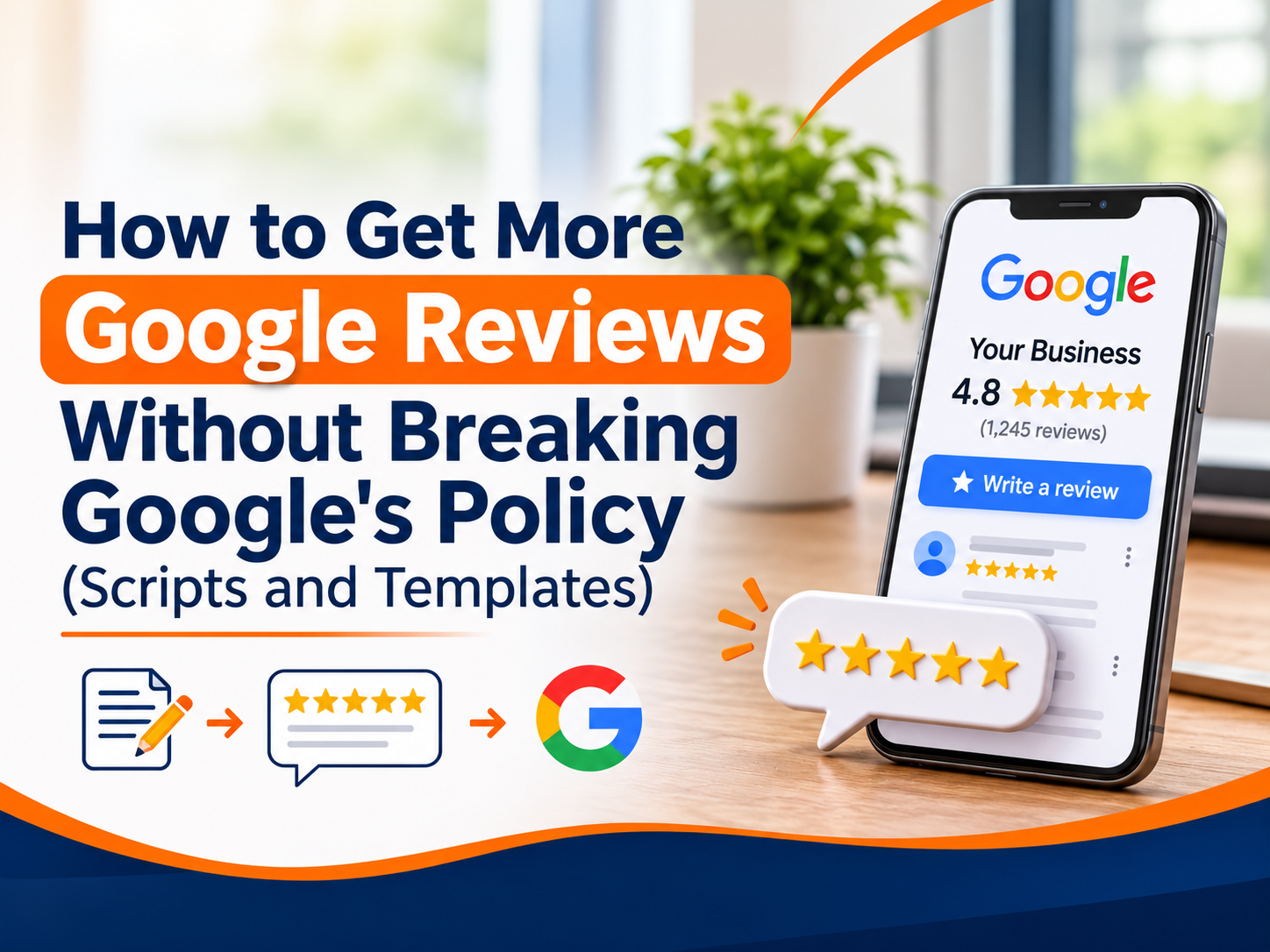
You have likely seen this yourself. People look at Google reviews before they pick a business. A complete Google Business Profile also helps customers find useful information about a business. Good service alone does not make customers write a review. This guide shows you how to get Google reviews.
You will find methods, messages you can send right away and Google’s rules on reviews.
You will find methods, messages you can send right away and Googles rules on reviews.
Key Takeaways
- Google reviews help customers understand other people’s experiences with a business.
- Genuine feedback builds credibility and supports local search visibility.
- Direct review links make submitting customer feedback easier.
- WhatsApp and email templates simplify review requests.
- Google policies prohibit purchased, incentivised, and manipulated reviews.
- Consistent requests help businesses develop a sustainable review-generation process.
What Are Google Reviews and How Do They Work?
Google reviews are ratings and written comments that show up on a business’s Google Business Profile. Customers can share their experiences on Google Search and Google Maps.
For example, a person who visits a restaurant can give stars for the food, the service and the atmosphere. They can also write comments about their experience.
Customers can also upload photos, and business owners can reply to Google reviews. Understanding how Google reviews influence local SEO can help businesses recognise their importance beyond customer feedback.
Good Google Business Profile optimisation helps a business keep correct profile information.
Why Are Google Reviews Important for Local Businesses?
Google reviews help local businesses build trust, influence purchasing decisions and strengthen their reputation.
For example, customers comparing two salons may consider ratings, recent feedback and business responses before booking.
Reviews also contribute to Google’s local ranking systems through prominence. However, more reviews do not guarantee higher rankings. Tracking metrics such as review ratings, customer engagement and local visibility can help businesses evaluate their progress. Explore these key local SEO performance metrics to understand what influences local search performance.
How Can You Get More Google Reviews for Your Business?
Review generation is the process of encouraging genuine customers to share honest experiences with your business.
Here are 10 practical methods:
- Ask after successful interactions: Request feedback after completing a service or purchase.
- Share a direct review link: Make reviewing convenient.
- Create a QR code: Display it at checkout counters.
- Send WhatsApp messages: Contact customers personally.
- Use email and SMS: Include review links in follow-ups.
- Add links to receipts: Give customers another opportunity to review.
- Display QR codes: Place them at suitable customer touchpoints.
- Train employees: Teach staff to request feedback naturally.
- Send one polite reminder: Follow up without pressuring customers.
- Build a routine: Include review requests in your customer journey.
How Do You Create a Google Review Link?
A Google review link is a direct URL that takes customers to your business’s review page.
Follow these steps:
- Sign in to your Google Business Profile.
- Select the profile you manage.
- Find the Ask for reviews or review-sharing option.
- Copy the review link.
- Share it through WhatsApp, email, or SMS.
You can also convert the link into a QR code using a trusted free QR-code generator.
What Is the Best Google Review Request Message Template?
A good Google review request is short, personalised, polite, and free from pressure.
| Channel | Ready-to-use message |
| Hi [Name], thank you for choosing [Business Name]! We’d appreciate your honest feedback. Share your experience here: [Link]. Thank you! | |
| Follow-up | Hi [Name], just sharing our review link in case you’d like to provide feedback: [Link]. Thank you! |
| SMS | Thank you for visiting [Business Name]. Share your honest experience: [Link]. |
| Subject: We’d love your feedback. Hi [Name], thank you for choosing us. Your honest feedback helps us improve. Please share your experience here: [Link]. |
What Are Google’s Policies for Requesting Customer Reviews?
Google’s review policies require genuine customer experiences without manipulation or incentives.
Businesses must avoid:
- Purchasing fake reviews or using review farms.
- Offering discounts, gifts, or rewards for reviews.
- Asking only satisfied customers to post reviews.
- Pressuring customers to change negative feedback.
- Posting reviews on behalf of customers.
Can businesses offer rewards for Google reviews? No. Review incentives are prohibited, even when businesses request positive and negative feedback equally.
How Should You Respond to Google Reviews?
Review management involves monitoring customer feedback and responding professionally.
- Positive reviews: Thank customers for their time.
- Negative reviews: Acknowledge concerns and offer an appropriate resolution.
- Constructive feedback: Identify recurring problems and improve services.
Never reveal private customer information in public responses.
How Many Google Reviews Does a Local Business Need?
There is no fixed number of Google reviews that every local business needs. The right goal is to collect genuine, recent feedback consistently.
For example, a neighbourhood clinic with 30 detailed, recent reviews may provide more useful information than a competitor with hundreds of outdated reviews. Keeping your Google Business Profile updated also helps customers find relevant business information and understand what to expect.
How Can You Manage Google Reviews Effectively?
Google review management involves requesting feedback, monitoring new reviews, and responding professionally.
Practical tools:
- Google Business Profile: Monitor and respond to reviews.
- Google Sheets: Track review requests and responses.
- QR-code generator: Create printable review QR codes.
What’s Next? Create a Google Review Collection Checklist
Use this checklist to build a consistent review-generation process.
- Create and test your Google review link.
- Generate a QR code for offline customers.
- Prepare WhatsApp, SMS, and email templates.
- Train employees to request honest feedback.
- Send requests after genuine customer interactions.
- Follow up politely when appropriate.
- Respond to positive and negative reviews.
- Track new reviews every month.
- Review customer feedback and improve services.
Moreover, businesses looking to strengthen their Google search visibility should combine review management with other local SEO activities.
Conclusion: Make Genuine Google Reviews Part of Your Business Growth
Getting more Google reviews starts with a habit: ask real customers for honest feedback at the right time. Use direct review links, personal WhatsApp messages and QR codes to make it easy. Follow these Google review guidelines to ensure your review collection process stays authentic.
Remember, real customer stories matter more than chasing ratings. Regular review requests and thoughtful replies can build your business reputation over time. For additional support with local SEO services, explore strategies that improve your business’s visibility in local search results.
Frequently Asked Questions About Google Reviews
1. How can I get more Google reviews for my business?
Ask customers for honest feedback after a purchase or successful service. Share your direct Google review link through WhatsApp, email, SMS, or QR codes.
2. How do I ask customers for Google reviews on WhatsApp?
Send a short, personalised message thanking customers for choosing your business. Include your Google review link and politely invite them to share their experience.
3. Can I offer discounts or gifts for Google reviews?
No. Google prohibits offering discounts, gifts, or other incentives in exchange for customer reviews. Always request honest and voluntary feedback.
4. How do I create a Google review link for my business?
Open your Google Business Profile, select the review-sharing or Ask for reviews option, and copy the generated link. You can share it directly or convert it into a QR code.
5. Do Google reviews help improve local SEO rankings?
Yes, reviews can support local SEO by contributing to your business’s prominence and helping customers evaluate your business. However, reviews alone cannot guarantee higher Google rankings.