+91 95752 60218

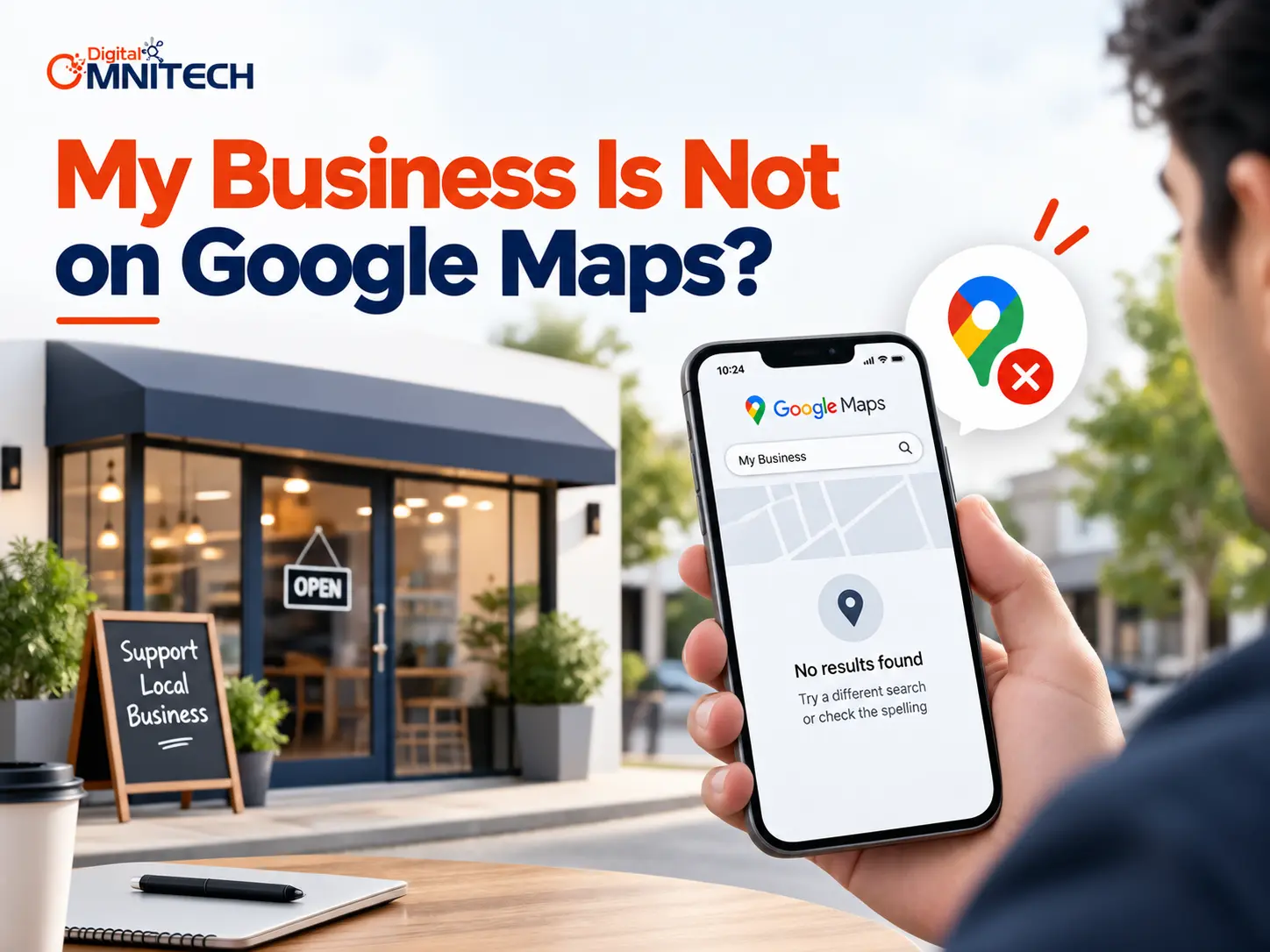
If you have already created your business online but still cannot find it on Google Maps, you may wonder what went wrong. The issue could be verification, eligibility, inaccurate information, location settings, suspension, or simply limited visibility. In this guide, you will learn how to identify the problem, fix your Business Profile, and improve your Google Maps visibility.
Key Takeaways
- Google Maps visibility depends on having an eligible and properly managed Business Profile.
- Business verification is an important first step when a business is not appearing on Google Maps.
- Accurate business information helps Google understand and display a business for relevant local searches.
- Incorrect addresses, duplicate profiles, eligibility problems, and suspensions can prevent or limit visibility.
- Service-area businesses should use accurate service areas instead of misleading or ineligible locations.
- Branded visibility and local ranking are different; a business can appear for its name without ranking for generic searches.
- New profiles and approved changes can take time to appear in Google Search and Maps.
What Is Google Maps Visibility?
Google Maps presence refers to the visibility of an eligible business and its Business Profile to customers on Google Maps and other local Google searches. The business profile provides information like your name, address, phone number, website, hours of operation, photos, and reviews about your company. So you can share more about your business and appear in local maps searches.
| Situation | What it usually means |
| No profile exists | The business was never added or claimed |
| Unverified profile | The business hasn’t passed verification |
| Pending profile | Google is reviewing changes or information |
| Suspended profile | Google has restricted the profile due to a policy violation |
| Profile exists but is hard to find | The listing exists but has limited local visibility |
| Address is missing | The business address is not yet added |
Most importantly, not appearing at all is different from not ranking highly. A verified profile may appear when someone searches the exact business name but remain difficult to find for searches such as “digital marketing agency near me.”
Why Is Google Maps Visibility Important for Local Businesses?
Google Maps visibility helps local customers discover relevant businesses when they search on Google Maps or Google Search. A verified Business Profile lets businesses manage information such as their hours, website, phone number, location, photos, and customer reviews.
Furthermore, Google says local results are mainly influenced by relevance, distance, and prominence. Complete and accurate business information helps Google understand what the business does and match it with relevant searches.
For example, a restaurant with an accurate category, address, opening hours, website, and photos gives customers clearer information than an incomplete listing.
Why Is My Business Not Showing on Google Maps?
A business not appearing on Google Maps should first check if their Business Profile has been added/claimed and verified. Google advises that businesses must add or claim and verify their profile in order to display business information on Search and Maps.
Your Business Has Not Been Added or Claimed
Firstly, you may not have a Business Profile. Search Google Maps for your business name + city before adding another listing.
If there is no profile, Google will provide an option to add the business using their Business Profile system. Alternatively, if there is already an unverified profile, you can claim it.
Your Business Profile Is Not Verified
Secondly, an unverified profile will not show business information correctly. This is because verification confirms that you are authorized to represent the business.
For example, if you created a profile but have not completed Google’s available verification process, complete the verification steps shown in your account.
Your Profile Is New or Still Being Processed
Third, a new business or recent profile change may need time before it becomes visible consistently. Google says new businesses can take up to a month to appear in search results, while changes to business information can take up to three days to appear.
Your Business Information Is Incorrect
Fourth, inaccurate information can reduce local visibility. Check your business name, category, phone number, website, hours, address, and other important details.
Google recommends keeping Business Profile information complete and accurate because this helps the profile appear for relevant local searches.
Your Business Is Not Eligible
Fifth, not every business qualifies for a Google Business Profile. Google says eligible businesses must make in-person contact with customers during their stated hours. Online-only businesses generally do not qualify.
For example, a business that only operates online without meeting customers at a physical location or visiting customers in person may not qualify for a Business Profile.
Your Profile Has Been Suspended
Sixth, a suspended or disabled profile will not show to other users until the underlying issue is resolved. Google says businesses that violate its guidelines can have their profiles disabled or suspended.
You Have a Duplicate Profile
Finally, multiple profiles for the same business can create management and visibility problems. Before creating a new listing, always search Google Maps for existing profiles using the business name and location.
How Do I Fix a Business That Is Not Appearing on Google Maps?
Fixing a business that is not showing on Google Maps involves checking eligibility, verification, business information, location settings, duplicate profiles, and suspension or policy issues.
Follow these steps in order:
- Search your business name + city while signed into the Google Account that manages the profile.
- Check Google Maps to see whether an existing profile appears.
- Add or claim the profile if the business has not been properly added or claimed.
- Complete verification using the verification method Google provides.
- Check your business information, including name, category, phone, website, hours, and location.
- Correct the map pin or address if the location is inaccurate.
- Set the correct service area if your business serves customers at their locations.
- Check for suspension or policy issues inside the managing Google Account.
- Look for duplicate profiles before creating another listing.
- Allow time for changes to appear after Google approves them.
How Do I Check Whether My Google Business Profile Is Actually Visible?
You can use Google Maps’ visibility feature to see if your business appears from particular searches. It is possible for a business to have a profile that is visible for specific searches, while being invisible for generic local searches.
First, conduct an exact match search and a Google Maps search for the same business. To access the Google Maps search, log in to the managing Google account and search on Google Maps for the business’s name and city.
Second, test relevant category or service searches, such as “dentist in Nagpur.” or “SEO agency near me.” These searches help you identify the visibility variance between branded and non-branded searches.
Google also suggests reviewing the profile from a private Chrome session or Google Maps.
How Do Service-Area Businesses Appear on Google Maps?
A service-area business should configure its service area accurately and meet Google’s eligibility requirements rather than using a virtual office as a substitute for a real business presence.
For example, a plumber who visits customers at their homes may operate as a service-area business. The business should represent its actual service area instead of adding an address where customers do not genuinely interact with the business.
How Can I Improve My Google Maps Visibility?
Besides creating a Google Maps listing, businesses should maintain their profile’s contact information and comply with Google’s Business Profile standards.
After claiming your business listing, ensure that your:
- Primary and secondary categories are accurate
- Contact information is complete
- Address or service area is correct
- Business photos are of high quality
- Hours of operation are updated
- Customer reviews are actively managed with a professional response
- Website has relevant content
- Business information is consistent across authorized directories.
Google uses Relevance, Distance, and Prominence as the primary factors in its ranking system. For instance, a business owner should not add irrelevant keywords to their business name.
Instead, the company name should mirror the actual name from official documents. Another example is using relevant categories, where a car repair shop should choose Body Repair & Glass as the primary category and Collision & Paint as secondary. Prominence involves creating informative content about the business, such as website material, blog posts, and articles.
What Tools Can I Use to Check Google Maps Visibility?
Google Maps, Google Search, Google Business Profile, and Google Search Console can help you troubleshoot different parts of your local search presence.
Use this simple checklist:
- Google Maps: Check whether the business profile exists.
- Google Search: Search the business name and relevant local services.
- Google Business Profile: Check verification, information, status, and profile management.
- Google Search Console: Review how your website performs in Google Search.
- Local SEO auditing tools: Check business information and local search signals.
A useful troubleshooting rule is simple: fix the listing before trying to improve its ranking.
What’s Next If Your Business Still Does Not Show on Google Maps?
If your business still does not show, follow this troubleshooting path: No profile → add or claim → verify → check eligibility → check suspension → correct information → wait for processing → improve local visibility.
Moreover, do not immediately create another profile if an existing listing already exists. Check whether the problem involves ownership, duplication, verification, or a policy issue first.
If the profile is active and verified but remains difficult to find for relevant local searches, the problem may have shifted from listing setup to local visibility.
If your website also has difficulty appearing in organic Google results, you can separately review your [Internal link: website not ranking on Google → Existing website ranking article] because Google Maps visibility and traditional organic rankings are related but different search experiences.
Conclusion
Fixing a business that is not showing on Google Maps starts with an eligible, verified, and accurate Business Profile. Once the basic listing problem is resolved, you can focus on improving relevance, maintaining accurate information, earning genuine customer reviews, strengthening your website, and building broader local visibility.
If your business appears when you search its exact name but not for local service searches, that does not necessarily mean the profile is missing. It may mean the listing exists but needs stronger Google Maps visibility and local SEO signals.
Frequently Asked Questions
Why is my business not showing on Google Maps?
Your business may not show on Google Maps because the Business Profile has not been added, claimed, or verified. Other possible causes include incorrect information, eligibility problems, suspension, duplicate profiles, or limited local visibility.
How do I add my business to Google Maps?
You can add your business by creating or claiming a Google Business Profile and completing Google’s verification process. Before creating a new profile, search Google Maps for your business name and location to make sure an existing listing does not already exist.
How Long Does It Take for a Business to Show Up on Google Maps?
It may take some time for your company to start showing up in searches after registration on Google Maps. The search engine giant advises that new businesses can take up to a month to appear in Google Search and up to three days for updates to propagate.
Why is my verified business not showing on Google Maps?
A business that has been verified may still have some visibility issues due to wrong information, eligibility, duplicate listings, being suspended or violating policies, or having lack of visibility for non-branded local searches. To fix that problem you should examine the profile closely, its status, location and any relevant local searches before attempting to create another listing.