+91 95752 60218

Introduction
You’re posting regularly, using hashtags, experimenting with Reels — but the engagement still isn’t growing. The problem isn’t your creativity. The problem is you’re making decisions without data.
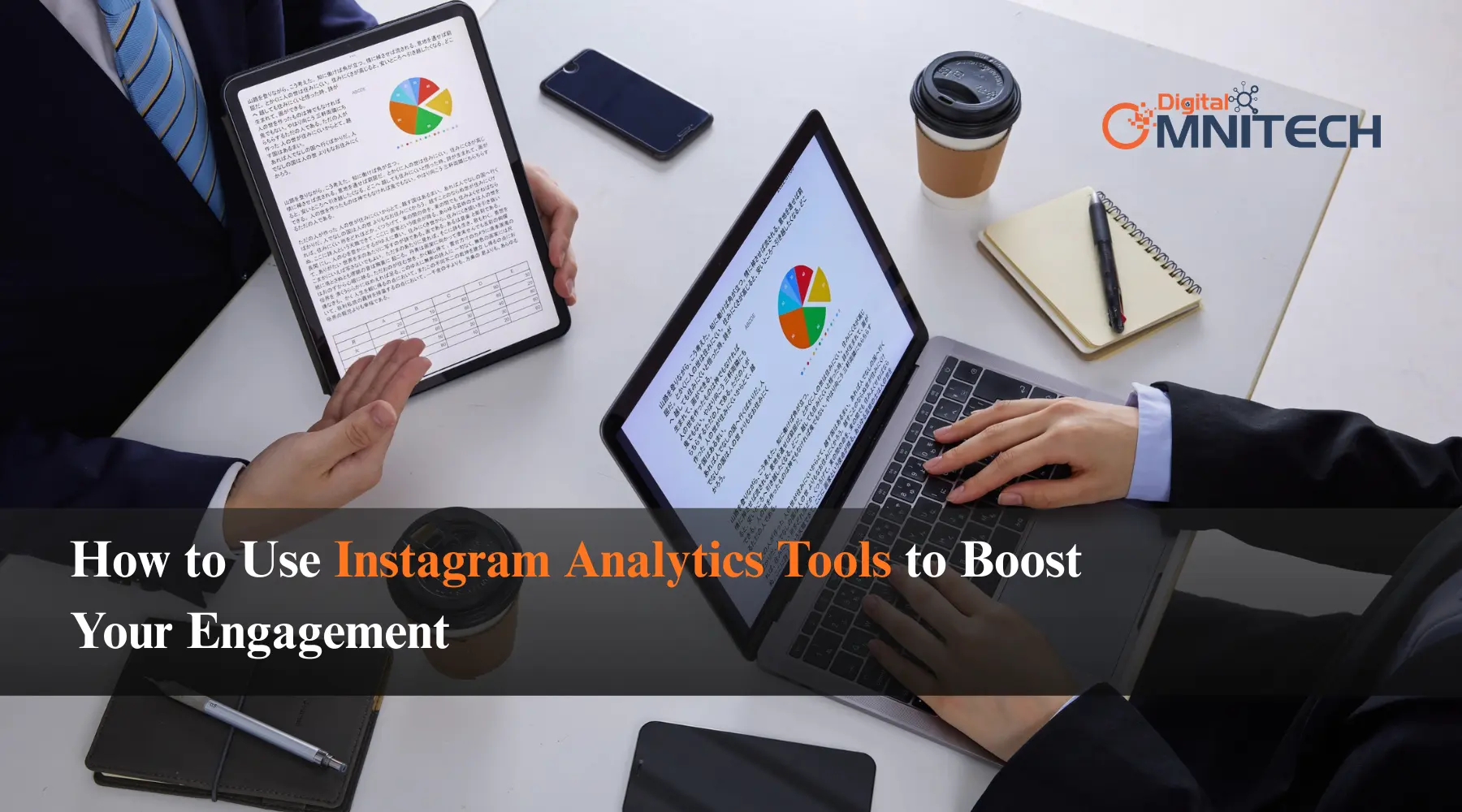
Instagram analytics tools change that. They show you exactly what your audience responds to, when they’re online, and what content drives real results. Brands that grow consistently on Instagram aren’t just talented — they’re informed. And in this guide, we’ll show you how to become one of them.
Why Analytics Are the Foundation of Instagram Growth
Most brands treat Instagram like a creative exercise. Post something good, use the right hashtags, and hope the algorithm picks it up. But hope isn’t a strategy.
Instagram’s algorithm rewards engagement quality, not just posting frequency. Every like, comment, save, and share tells the algorithm your content is worth showing to more people. To generate those signals consistently, you need to understand what triggers them in your specific audience — and that understanding comes entirely from data.
Without analytics, you’re guessing. With them, you’re making decisions backed by evidence. Whether you’re managing Instagram yourself or working with a team handling your Social Media Optimization, analytics are what make the difference between random results and steady growth.
Key Instagram Metrics You Should Track
Before you start using any tool, get clear on which numbers actually matter. Instagram shows you a lot of data — not all of it is equally useful.
Engagement Rate is your most important metric. It measures the percentage of people who saw your post and actually interacted with it. Likes, comments, saves, and shares all count. A growing engagement rate means your content is connecting. A flat or declining one means something needs to change.
Saves are one of the most underrated signals on Instagram right now. When someone saves your post, they’re signaling it’s valuable enough to return to. The algorithm treats saves as high-quality engagement, often more so than a quick like. If you want saves, create content that teaches something, solves a problem, or genuinely inspires — not just content that looks pretty.
Reach vs. Impressions — reach counts unique accounts that saw your post; impressions count every view including repeats. If your impressions are high but reach is low, the same small group keeps seeing your content. You’re not growing visibility. Track reach to understand how far your content is actually spreading.
Follower Growth Rate tells you whether your content strategy is attracting new people over time. Sudden spikes during specific campaigns reveal what brought people in. Slow periods tell you where things stalled.
Profile Visits and Link Clicks connect your Instagram activity to real business outcomes. These metrics show whether your content is compelling enough to make people want to learn more — and whether they’re moving toward your website or offers.
Instagram’s Built-In Insights: Start Here
If you have a Business or Creator account, Instagram Insights is free and gives you a solid starting point. Don’t overlook it just because it’s native.
The Audience tab shows age range, gender, and location of your followers. This is foundational. If your audience is primarily 25–34 year olds based in Indore or Mumbai, your tone, cultural references, and timing should reflect that reality.
The Content tab lets you filter posts by reach, engagement, or saves over a custom date range. Do this monthly. Look for patterns — which formats consistently outperform others, which topics generate the most saves, which posts fell flat.
The Stories analytics are often ignored but shouldn’t be. Pay attention to exits — the point where people swipe away. If viewers consistently drop off on a specific frame, your hook or pacing at that point needs work.
Top Instagram Analytics Tools in 2026
Native insights are a good foundation, but third-party tools unlock deeper intelligence — competitor benchmarking, hashtag performance, posting time recommendations, and more.
Meta Business Suite is free and often underestimated. It gives you cross-platform data across Instagram and Facebook in one dashboard, plus scheduling and ad performance metrics. For small businesses, start here before spending money on anything else.
Later is primarily a scheduling tool, but its analytics are genuinely smart. Its “Best Time to Post” feature analyzes your specific account’s historical data — not generic advice. The visual calendar makes it easy to spot the relationship between what you posted and how it performed over time.
Sprout Social is a more comprehensive platform offering detailed post-level reporting, audience sentiment tracking, and competitor analysis. The reports are presentation-ready, which is useful if you’re reporting to clients or stakeholders. It’s a paid tool, but for agencies or brands managing multiple accounts, the depth of data justifies the cost.
Iconosquare is built specifically for Instagram. Its hashtag performance tracking shows which tags are actually driving reach versus adding noise to your captions. The competitive benchmarking feature lets you compare your performance against up to five competitor accounts — a genuinely eye-opening exercise if you’ve never done it.
How to Turn Data Into Strategy
Having analytics is one thing. Using them to make better decisions is where most brands fall short. Here’s a simple framework.
First, establish your baseline. Pull your last 90 days of data. Calculate your average engagement rate, average reach per post, and identify your top 10 performing pieces of content. This becomes your benchmark going forward.
Second, identify your content patterns. Look at your top performers and ask what they have in common — format, topic, caption style, visual approach. Most brands discover that a small percentage of their content drives the majority of their engagement. Double down on those formats instead of continuing to experiment randomly.
Third, align posting time with audience activity. Your insights will show when your followers are most active. Cross-reference this with your best-performing posts — are they the ones published during peak windows? Test this over 4 weeks and measure the impact.
Fourth, connect Instagram data to your website analytics. Social performance alone tells half the story. Use UTM parameters to track which Instagram content drives website visits, time on page, and actual conversions. This is especially important if you’re also running Google Ads or Meta Ads alongside organic content — you need the full picture to allocate budget effectively.
Finally, build a monthly review habit. The brands that grow consistently treat analytics like a business review. Every month, compare your key metrics, identify what worked, and update your content plan. This discipline — not any single viral post — is what creates compound growth.
Common Mistakes to Avoid
Chasing follower count over engagement quality is the most common trap. A large disengaged audience hurts your reach algorithmically. Always prioritize engagement rate over raw numbers.
Making strategy changes too quickly is another mistake. You need at least 4 to 6 weeks of consistent execution before data becomes meaningful. Changing everything after two bad weeks is reactive, not strategic.
Ignoring Stories analytics entirely. Many brands skip this data, but Stories give you direct behavioral signals — exits, replies, poll responses — that feed posts often can’t.
Final Thoughts
Instagram analytics tools won’t write your content for you. But they’ll tell you exactly what content is worth writing — and what’s worth stopping. The brands winning on Instagram in 2026 aren’t the ones with the biggest budgets. They’re the ones paying attention to their data and making smarter decisions because of it.If you want a team that combines data-driven strategy with hands-on execution — from Instagram Marketing to full Social Media Management – get in touch with Digital Omnitech and let’s build a strategy that actually grows your brand.